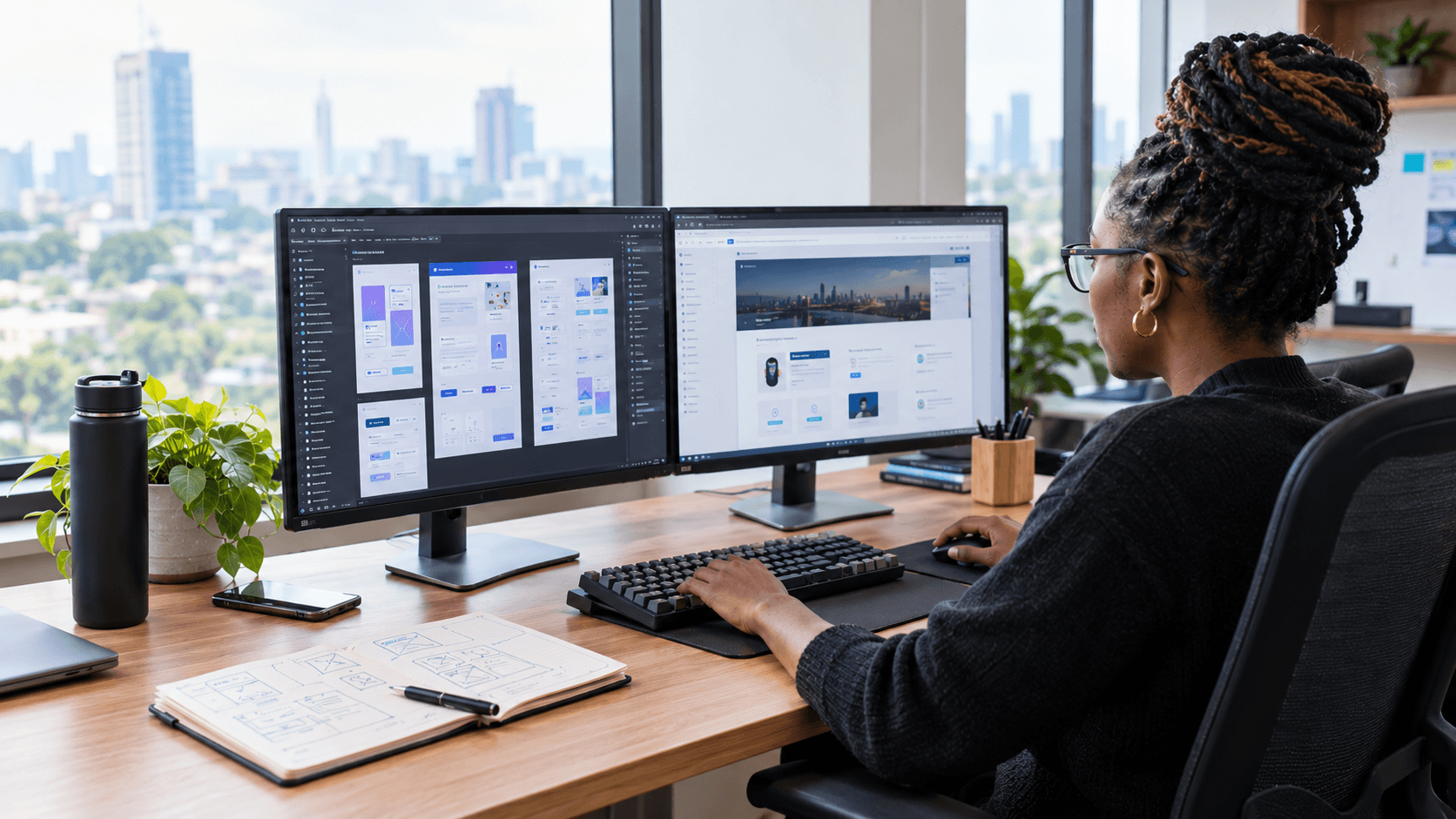
One of my favourite parts of frontend development is taking a design and turning it into something people can actually use.
You start with a design file.
A few screens.
Some buttons.
Cards.
Forms.
Typography.
Spacing.
Everything looks clean and organised.
Then you start building it.
And suddenly you realise the design doesn't answer every question.
What happens on a smaller screen?
What happens when the text is longer?
What happens when there are no results?
What does the loading state look like?
What happens when an error occurs?
What happens when someone increases their browser font size?
That's when you realise that turning a design into a production interface is more than copying what you see on the screen.
It's about understanding the experience behind the design and translating that into something that works in the real world.
I Don't Start With Code
One mistake I used to make was opening my code editor too quickly.
I'd look at a design, identify the obvious sections and start writing components.
These days, I prefer to spend some time understanding the design first.
I look for things like:
- What are the main sections?
- Which elements repeat?
- Which components are likely to be reusable?
- What is the visual hierarchy?
- What happens on different screen sizes?
- Which elements are interactive?
- Are there different states?
- What information is coming from an API?
- Are there parts of the design that need clarification?
This initial thinking can save a lot of time later.
The goal isn't to delay development.
It's to avoid building the wrong thing quickly.
Breaking the Design Into Components
Once I understand the design, I start thinking about components.
Suppose I'm given a dashboard that contains:
- A navigation bar
- Page header
- Statistics cards
- Filters
- A data table
- Pagination
- A modal
I don't necessarily want one huge Dashboard.tsx file.
I'd start thinking in terms of meaningful pieces:
Dashboard
├── Sidebar
├── Header
├── Statistics
│   └── StatCard
├── Filters
├── DataTable
│   ├── TableHeader
│   └── TableRow
└── Pagination
The exact structure will depend on the application, but the principle is straightforward.
Break the interface into pieces that have a clear responsibility.
That makes the code easier to understand and gives you reusable building blocks.
But Not Everything Needs to Become a Component
There's a balance here.
It's tempting to turn every small section of a design into its own component.
Sometimes that's useful.
Sometimes it just creates unnecessary files.
If a piece of markup is only used once and doesn't have its own behaviour or meaningful responsibility, keeping it within its parent component may be completely reasonable.
I try to ask:
Does separating this make the code easier to understand or reuse?
If the answer is no, I don't force the abstraction.
A Design Shows the Happy Path
This is one of the biggest differences between a design and a production application.
A design usually shows what the interface looks like when everything is working.
But real applications have states.
A table might have data.
But it can also be:
Loading
Empty
Error
Success
A button might be:
Default
Hover
Focus
Disabled
Loading
A form might have:
Empty
Editing
Submitting
Successful
Validation errors
Server error
Those states are part of the interface too.
If they're missing from the design, someone still needs to make decisions about them.
This is where frontend developers have to think beyond the pixels.
Responsive Design Isn't Just Making Things Smaller
Another common misconception is that responsive development means taking the desktop design and shrinking it.
It doesn't.
A good responsive interface may change its layout depending on the available space.
A three-column layout might become two columns.
Two columns might become one.
A navigation menu might become a mobile menu.
A table might need horizontal scrolling or a different presentation.
A large modal might become a full-screen experience on smaller devices.
The goal isn't necessarily to make every screen look identical.
The goal is to preserve the usability and hierarchy of the experience across different screen sizes.
That's an important distinction.
I Think About Content Too
Something that can be easy to overlook when implementing a design is the content itself.
Designs often contain perfectly sized text.
For example:
"John Mwangi"
Looks fine.
But what happens when the name is:
"Alexander Christopher Johnson Mwangi"?
Or when a button says:
"Submit Application"
instead of:
"Save"?
Or when an article title is three lines instead of one?
Real content is unpredictable.
That's why I try not to build layouts that only work with the exact text from the design.
Flexible layouts usually survive real-world content much better.
From Design Tokens to Code
When working with a design, I also look for repeated visual patterns.
Maybe the design consistently uses:
- One primary colour
- A specific border radius
- Several spacing values
- A small set of font sizes
- Consistent shadows
- Repeated button styles
These patterns can become part of the application's design system.
Instead of manually writing:
border-radius: 12px;
in ten different places, you might have a reusable style or design token.
The same applies to colours, spacing, typography and component variants.
This becomes particularly important as the application grows.
A design system isn't just about making things look consistent.
It makes future development faster because developers don't have to reinvent the same decisions repeatedly.
Not Every Design Decision Should Be Copied Literally
This is something I've become more comfortable with over time.
A developer's job isn't simply to reproduce a design exactly.
Sometimes a design decision doesn't work well once it's implemented.
Maybe a button doesn't have enough room for longer text.
Maybe a table becomes unusable on mobile.
Maybe the contrast isn't sufficient.
Maybe a particular interaction isn't accessible.
Maybe an animation feels great in a prototype but becomes distracting in the actual application.
When that happens, I think the right approach is to raise the issue rather than blindly implementing it.
The goal should be:
preserve the intended experience while making sensible technical and usability decisions.
That requires communication between designers and developers.
Working With Designers
Good collaboration between designers and developers can make a huge difference.
A developer shouldn't wait until implementation is almost finished before asking questions.
If something is unclear, it's better to ask early.
For example:
"What should happen when this list is empty?"
Or:
"Should this filter remain visible on mobile?"
Or:
"Is this modal supposed to scroll internally?"
These questions might seem small, but they can prevent significant rework.
I've found that the best conversations happen when both sides focus on the underlying user experience rather than defending their own implementation.
The designer understands the intended experience.
The developer understands the technical constraints.
Both perspectives are necessary.
Accessibility Starts Before the Code Is Finished
Accessibility is another area that shouldn't be treated as something to check after the interface has already been built.
When translating a design into React, I think about:
- Semantic HTML
- Keyboard navigation
- Focus states
- Colour contrast
- Form labels
- Error messages
- Alternative text
- Screen-reader behaviour
- Interactive elements
For example, a design might show something that looks like a button.
If it performs an action, it should generally behave like a button.
That sounds obvious, but implementation details matter.
A <div> styled to look like a button isn't automatically a good button.
The visual design is only one part of the interface.
Pixel-Perfect Isn't the Same as Production-Ready
There's a phrase you hear quite often in frontend development:
"Make it pixel-perfect."
I understand what people mean.
The implementation should respect the design.
But I don't think pixel-perfect should mean blindly matching every pixel at the expense of usability.
A production interface has to deal with:
- Different screen sizes
- Different browsers
- Different content
- Different devices
- Accessibility needs
- Network conditions
- User errors
- Loading states
- API failures
A design is created under controlled conditions.
A production application isn't.
So for me, the goal isn't:
"Make the browser look exactly like the Figma screenshot."
It's:
"Make the experience represented by the design work reliably in the real world."
That's a much more useful definition of quality.
The API Changes the Interface Too
One of the biggest things I've learned as I've worked more with APIs is that the frontend isn't always in control of the data.
A design might show:
Name: John Mwangi
Status: Active
Amount: KES 25,000
But the API might return:
{
  "name": null,
  "status": "PENDING_REVIEW",
  "amount": 25000
}
Now the frontend has decisions to make.
What do we display when the name is missing?
How should PENDING_REVIEW appear to the user?
How should the amount be formatted?
What happens if the API fails completely?
This is why understanding backend systems and API contracts makes frontend development better.
You're not just translating a screenshot.
You're building an interface around data that can change.
Testing the Actual Interface
Once the implementation is close, I don't consider the job finished.
I want to see the interface outside the original design dimensions.
I'll check different viewport sizes.
I'll test longer content.
I'll interact with forms.
I'll look at loading and error states.
I'll check keyboard navigation.
I'll test on different browsers where necessary.
And I'll compare the implementation against the original design.
Not because the screenshot is the only source of truth, but because visual comparison can reveal things that are easy to miss while writing code.
A margin might be slightly off.
A heading might wrap unexpectedly.
A button might be too small.
A mobile breakpoint might not feel right.
These details matter.
The Design Is a Starting Point
The longer I work in frontend development, the more I see the design as the beginning of a conversation rather than the end of one.
The designer has solved many visual and experience problems before the developer starts.
But development introduces another set of questions.
How should this behave?
How should it respond?
How should it handle bad data?
How should it work with a keyboard?
What happens on a small screen?
What happens when the API is slow?
What happens when the user does something unexpected?
Those are engineering questions.
And answering them well is part of frontend development.
My Process Has Become More Deliberate
Today, my process is roughly:
1. Understand the design
Before writing code, I identify the major sections, interactions and patterns.
2. Identify reusable components
I look for elements that appear repeatedly or represent meaningful pieces of the interface.
3. Think about responsive behaviour
I consider how the layout should adapt rather than treating mobile as an afterthought.
4. Identify missing states
Loading, empty, error, disabled and validation states all need consideration.
5. Understand the data
I look at what the API provides and how that data affects the interface.
6. Build the components
I translate the design into maintainable React components.
7. Test beyond the design
I check different content, screen sizes, interactions and states.
8. Refine
Then I compare, adjust and polish.
It's not always a perfectly linear process.
Sometimes implementation reveals something that requires going back to the design.
That's normal.
What I've Learned
The biggest lesson for me is that frontend development sits somewhere between design and engineering.
You need to care about how something looks.
But you also need to care about how it behaves.
You need to respect the design.
But you also need to question things that don't work in practice.
You need to write reusable code.
But you shouldn't abstract everything.
You need to think about the ideal user experience.
But you also need to handle what happens when everything goes wrong.
That's what makes turning a Figma design into a production interface more interesting than it initially appears.
You're not just converting pixels into JSX.
You're taking an idea and making it work in the real world.
And that's one of the parts of frontend development I enjoy most.
A good implementation doesn't simply reproduce the design. It brings the intent behind the design to life.